

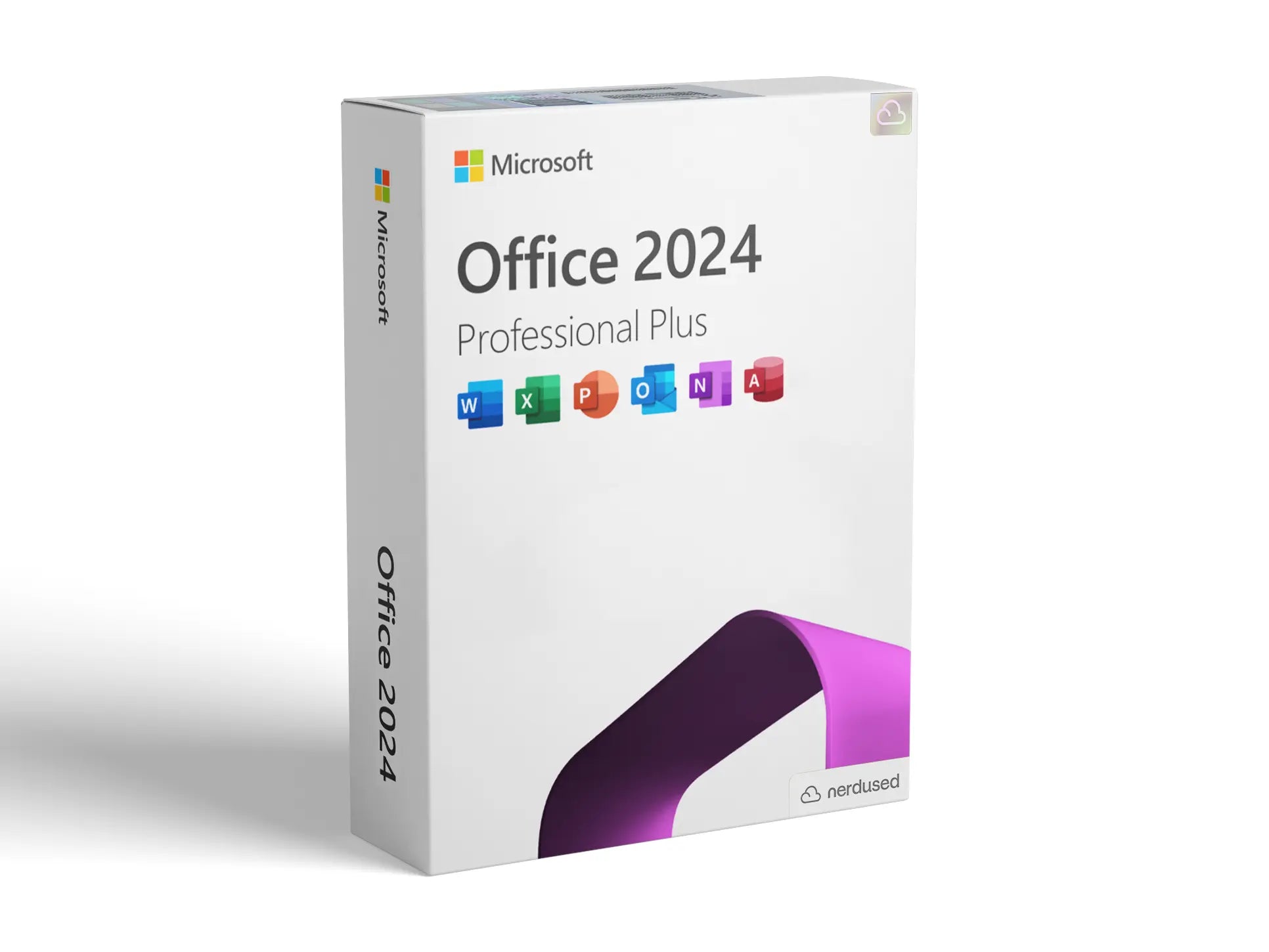

Office 2021 Professional Plus: Complete Features, Benefits & Installation Guide
Microsoft Office Professional Plus 2021 is one of the most widely used productivity suites for businesses, professionals, and organizations that prefer a one-time purchase instead of a subscription-based model.
Office 2021 Professional Plus package comes with a performance suite of applications including Word Excel PowerPoint Outlook Access, and Publisher that serve as a powerful combination of tools required to enhance productivity, collaboration, and document management.
This article will discuss the major features, advantages, and installation steps of the Microsoft Office Professional Plus 2021 software that will point you to the reasons why it has remained the preferred software for modern work environments.
Microsoft Office Professional Plus 2021 Overview
Microsoft Office Professional Plus 2021 is basically a standalone product of Microsoft's highly acclaimed office suite. While Microsoft 365 requires a monthly or annual subscription, Office 2021 can be bought by making a one-time payment.
After installing the software, the user can run the programs without the need for further payments.
Businesses and institutions who wish to have indefinite access to key productivity tools without depending on a cloud subscription model are the main users of this product.
The package contains the following main products:
-
Microsoft Word
-
Microsoft Excel
-
Microsoft PowerPoint
-
Microsoft Outlook
-
Microsoft Access
-
Microsoft Publisher
-
Microsoft Teams (limited integration)
Through these software products, users are able to draft text documents, carry out data analysis, handle email traffic, produce published slides, and keep their work processes well-structured and organized.
Key Features of Microsoft Office Professional Plus 2021
1. Enhanced Performance and Stability
Office 2021 introduces several performance improvements that make applications faster and more responsive. Whether it's working on large Excel worksheets or designing detailed PowerPoint presentations, the program runs with a smooth operation.
2. Enhanced Excel Data Analysis Tools
Excel is still a highly effective program in the Microsoft Office Professional Plus 2021 suite. The newest release of Excel features sophisticated functions, enhanced data visualization capabilities, and more dynamic arrays.
Excel users can handle decoding of complex datasets, build visual dashboards, and perform calculation automation through the use of advanced formulas.
3. Up-to-date Presentation Tools in PowerPoint
PowerPoint now has better design options including more refined animations, improved slide transitions, and the ability to collaborate with others easily. The new recording options also enable adding voiceover to presentations without any difficulties.
4. Refreshed Collaboration Features
Even though Office 2021 is mainly for working offline, it still allows sharing of documents and collaborating via OneDrive integration. The team can do their joint work on documents while keeping a track of different versions.
5. Better Accessibility Features
Changes for accessibility allow authors to produce documents that are more user-friendly and easier to comprehend. Tools such as: review for accessibility and support for screen readers have been upgraded to provide an inclusive experience.
6. Refreshed User Interface
The updated look of Microsoft Office Professional Plus 2021 is in line with the redesign that was introduced by Windows 11. The new look and feel offer a more straightforward and user-friendly interface.
Benefits of Utilizing Microsoft Office Professional Plus 2021
Single payment
The fact that Microsoft Office Professional Plus 2021 allows for a one-time payment is one major benefit. Corporations and individuals will be able to buy the software only once and use it without having to pay any subscription fees in the future.
Full-featured Productivity Suite
This suite of software applications encompasses all the essential productivity tools that one might require for document creation, data analysis, communication, and presentations. Therefore, it is equally appropriate for professionals, students, and organizations.
Working without the Internet
Being an application that is not dependent on the Internet, Office 2021 completely enables users to have access to the tools at all times. This gets a nod, in particular, from those who are in areas with poor or no Internet availability.
Business-grade capabilities
Programs like Microsoft Access and Publisher offer features that will be highly beneficial to a company that is working with databases or producing marketing materials.
Trustworthy and Secure
Microsoft consistently rolls out new security enhancements and updates for Office 2021 users so that even those who are working with confidential files and information can rest assured that they will be protected.
How to Install Microsoft Office Professional Plus 2021
Installing Microsoft Office Professional Plus 2021 is straightforward if you follow the correct steps.
Step 1: Get the License
The very first step is to buy an authentic license for Microsoft Office Professional Plus 2021 from a reliable channel.
Step 2: Get Installation Files
On the Microsoft official website, or even the authorized store where you made your purchase, you may download the install package.
Step 3: Launch the Installer
After downloading the setup file, run the installer and agree with the instructions displayed on the screen. The installation wizard will lead you step by step.
Step 4: Software Activation
Upon completing the installation, open any Office program and type in your product key to activate the software.
Step 5: Finalize Setup
Post activation, Office will roll out the finishing touches and download any updates necessary.
Your software programs will be available for usage at that time.
Who Should Use Microsoft Office Professional Plus 2021?
Here are reasons why businesses might consider Microsoft Office Professional Plus 2021:
-
Businesses that prefer one-time software purchases
-
Professionals who need advanced productivity tools
-
Organizations that require offline functionality
-
Users who rely heavily on Excel, Access, and PowerPoint
-
Educational institutions and administrative offices
Furthermore, it is great for companies who don't require the cloud-based collaboration tools that come with subscription services.
Conclusion
Microsoft Office Professional Plus 2021 remains a powerful and reliable productivity suite for individuals and organizations that prefer a traditional software model. It is packed with so many things for effective work, such as better performance, more powerful Excel, new collaboration options, and a new, attractive design.
The one-off buying approach means that it will definitely be a worthy investment for companies who are interested in having Microsoft's well-known applications for a long time. No matter whether you are processing writing, handling statistics, or making pictures, Microsoft Office Professional Plus 2021 still remains a very reliable instrument for 21st-century work.