Microsoft Copilot - Beginner's Productivity Guide
Product description
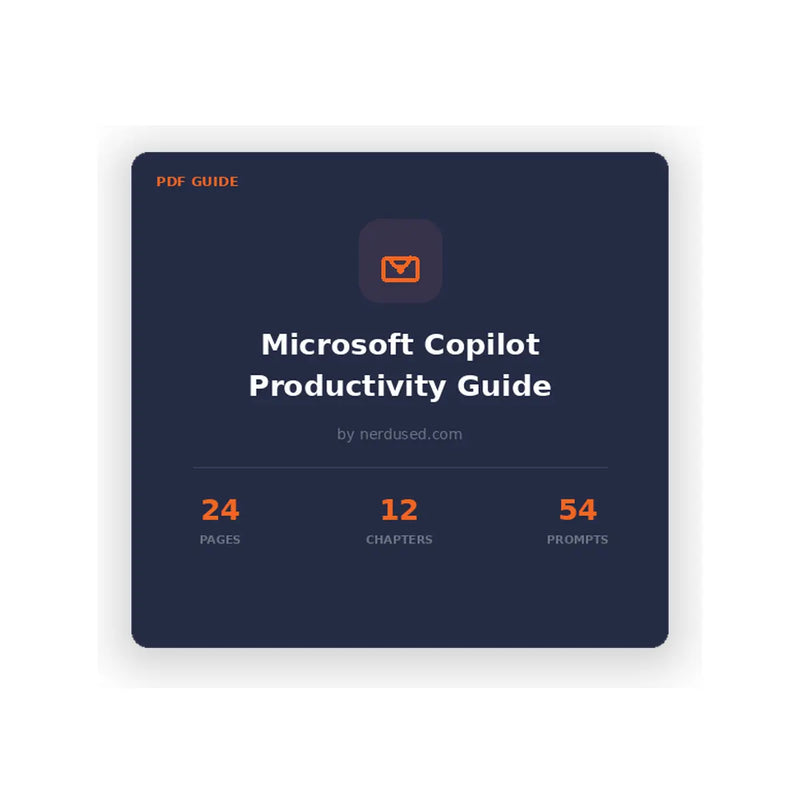
Microsoft Copilot Productivity Guide – 54 Ready-to-Use Prompts for Microsoft 365
Maximize your efficiency with the Microsoft Copilot Productivity Guide, a practical resource designed to help you streamline tasks across Microsoft 365 applications. This guide includes 54 structured prompts and the proven CRAFT framework, enabling you to improve output quality and reduce time spent on routine activities in Word, Excel, PowerPoint, Outlook, and Teams.
What’s Included
This guide features 12 comprehensive chapters, covering foundational knowledge through to advanced Copilot workflows:
-
Chapter 1: Introduction to Microsoft Copilot
Understand how Copilot works, its capabilities, and how it integrates into your workflow. -
Chapter 2: The CRAFT Framework
Learn a structured five-step approach to writing effective prompts for consistent, high-quality results. -
Chapter 3: Copilot in Word
Draft, edit, and summarize documents efficiently using AI assistance. -
Chapter 4: Copilot in Excel
Analyze data, generate formulas, and create charts using natural language inputs. -
Chapter 5: Copilot in PowerPoint
Convert ideas into professional presentations with automated slide creation. -
Chapter 6: Copilot in Outlook
Manage emails, summarize threads, and draft responses more efficiently. -
Chapter 7: Copilot in Teams
Capture meeting summaries, action items, and key takeaways instantly. -
Chapter 8: Advanced Prompt Techniques
Explore multi-step prompts, chaining, and iterative workflows for complex tasks. -
Chapter 9: Common Mistakes to Avoid
Identify inefficient prompting practices and improve output quality. -
Chapter 10: Real-World Workflows
Apply Copilot to real scenarios such as reporting, proposals, and analysis. -
Chapter 11: Prompt Library
Access 54 categorized prompts ready for use across Microsoft 365 apps. -
Chapter 12: Future of Copilot
Learn about upcoming features and how to stay ahead with evolving AI tools.
Sample Prompts Included in the Guide
This guide provides ready-to-use prompts designed for practical applications:
- Word: Rewrite content for a non-technical audience while preserving key insights
- Excel: Analyze datasets and identify performance trends with calculated metrics
- PowerPoint: Generate structured presentations from source content
- Outlook: Summarize email threads into clear action points
- Teams: Extract assigned tasks and deadlines from meetings
- Advanced Workflows: Convert reports into client-ready communications
Who This Guide Is For
This Microsoft Copilot guide is suitable for users at all experience levels:
-
Business Professionals
Improve efficiency in reporting, document creation, and communication -
Managers and Team Leaders
Enhance meeting productivity and track tasks effectively -
Analysts and Data Professionals
Accelerate data analysis and presentation creation -
Entrepreneurs and Small Business Owners
Optimize workflows and increase output with limited resources -
Individuals Focused on Skill Development
Build AI-driven productivity skills for long-term career growth
System Requirements
To fully utilize the guide and its workflows, you will need:
- An active Microsoft 365 subscription (Business, Enterprise, Personal, or Family)
- A Microsoft Copilot license (Copilot for Microsoft 365 or Copilot Pro)
- Access to Microsoft apps such as Word, Excel, PowerPoint, Outlook, or Teams
- A PDF reader (e.g., a web browser or Adobe Acrobat)
- Internet connection for Copilot functionality within supported applications
Accessible Across Devices
This productivity guide is delivered as a PDF document, making it compatible with all major platforms, including Windows, macOS, tablets, and smartphones. No specific operating system is required to access the content.
Why Choose Nerdused?
Competitive Pricing
- Affordable digital products and guides
- Transparent pricing with no hidden costs
Trusted Service
- Fast digital delivery for immediate access
- Reliable customer support for assistance
Get Started with Microsoft Copilot
Improve your workflow with structured prompts and proven strategies. Purchase the Microsoft Copilot Productivity Guide from Nerdused and gain practical insights to enhance efficiency, streamline tasks, and make better use of AI-powered tools across Microsoft 365.
Specifications
| License type | Digital download |
| Devices | PDF Document |
| Platform | Any device (PDF reader) |
| Delivery | Digital — email, ~60 seconds |
| Language | English |
| Warranty | 30 day full refund guarantee |
How it works
Order
Choose your license and check out securely in seconds.
Receive key
Your product key & download link arrive by email in ~60 sec.
Install
Download and follow our step-by-step guide.
Activate
Enter your key, activate instantly. Done