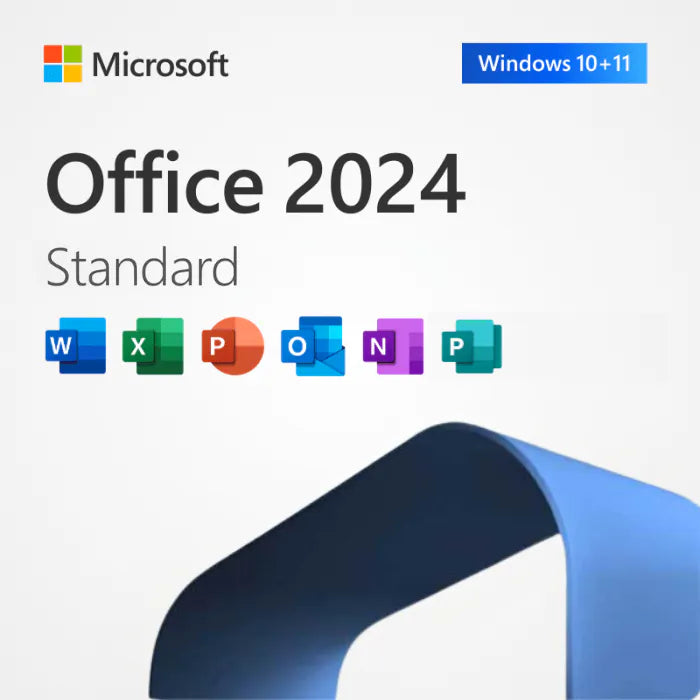
Office Standard 2024 – Lifetime Licence Key for 1, 3 or 5 PCs (Windows)
Product description
Office Standard 2024 as a one-time purchase: Word, Excel, PowerPoint, Outlook and OneNote for 1, 3 or 5 Windows PCs, with security updates until 9 October 2029. No subscription. Key and installer link by email in about 60 seconds, covered by our 30-day refund promise. The 3-PC option at $59.99 is the best value on this site for a small office.
What you get
| Apps | Word, Excel, PowerPoint, Outlook (classic desktop), OneNote |
| Not included | Access (see Professional Plus 2024), Publisher (discontinued in Office 2024), Teams, OneDrive storage, Copilot |
| Edition | Office LTSC Standard 2024, 64-bit, volume licence (MAK activation) |
| Licence | Perpetual. One payment; security and stability updates until 9 October 2029 |
| PCs covered | 1, 3 or 5 Windows PCs |
| Platform | Windows 10 or 11 (including LTSC), Windows Server 2022 or 2025. Not for Mac |
| Delivery | Product key and installer link by email, usually within 60 seconds, 24/7 |
| Activation | Online with Microsoft; phone activation if online activation is blocked |
Standard 2024 vs Professional Plus 2024 vs Home & Business 2024
Standard has the same five apps as Microsoft's retail Home & Business 2024, but it is a volume licence: it activates with a key rather than a Microsoft account, and one key can cover 3 or 5 PCs, which retail licences cannot. Professional Plus 2024 adds Access for the same one-PC price. If you use a Mac, you need Home & Business 2024. The Office 2024 editions guide compares all four.
How installation and activation work
- Pay, and the email arrives with your key and the download link.
- Uninstall any older Office first, then restart.
- Run the installer (Microsoft's Office Deployment Tool, configured for Standard 2024); it downloads Office from Microsoft's servers.
- Open Word, File > Account > Activate Product, enter the key. Phone activation is available if online activation is blocked.
Screenshots, checksums and error fixes are in the Office Standard 2024 install guide.
Frequently asked questions
Is Office Standard 2024 a one-time purchase?
Yes. Pay once, no renewal. Security updates from Microsoft until 9 October 2029.
Is this key genuine?
Yes. Every key activates directly with Microsoft. Nerdused Ltd is a UK company (no. 16876657) and a member of the Microsoft Partner Program (ID 6467441). If a key does not activate, we replace it or refund you in full within 30 days.
Does Office Standard 2024 include Outlook?
Yes, the classic desktop Outlook, along with Word, Excel, PowerPoint and OneNote.
Can I install it on 3 PCs with one key?
Yes, if you buy the 3-PC option. Each PC activates with the same key. Run the Microsoft Office 2024 download on each PC and enter the same key on each.
Does it work on Windows 10?
Yes, on Windows 10 and Windows 11. Note that Windows 10 itself stopped receiving free security updates on 14 October 2025.
Office 2024 or Microsoft 365?
Office 2024 if you want to pay once for the desktop apps; Microsoft 365 if you want OneDrive storage, Copilot and mobile apps for a yearly fee. See the cost comparison.
Specifications
| License type | One-time purchase — lifetime license |
| Devices | 1, 3, or 5 PCs |
| Platform | Windows 10 / 11 |
| Delivery | Digital — email, ~60 seconds |
| Language | All languages supported |
| Refunds | 30 day full refund guarantee |
| Microsoft support ends | 9 October 2029 |
How it works
Order
Choose your license and check out securely in seconds.
Receive key
Your product key & download link arrive by email in ~60 sec.
Install
Download and follow our step-by-step guide.
Activate
Enter your key, activate instantly. Done